

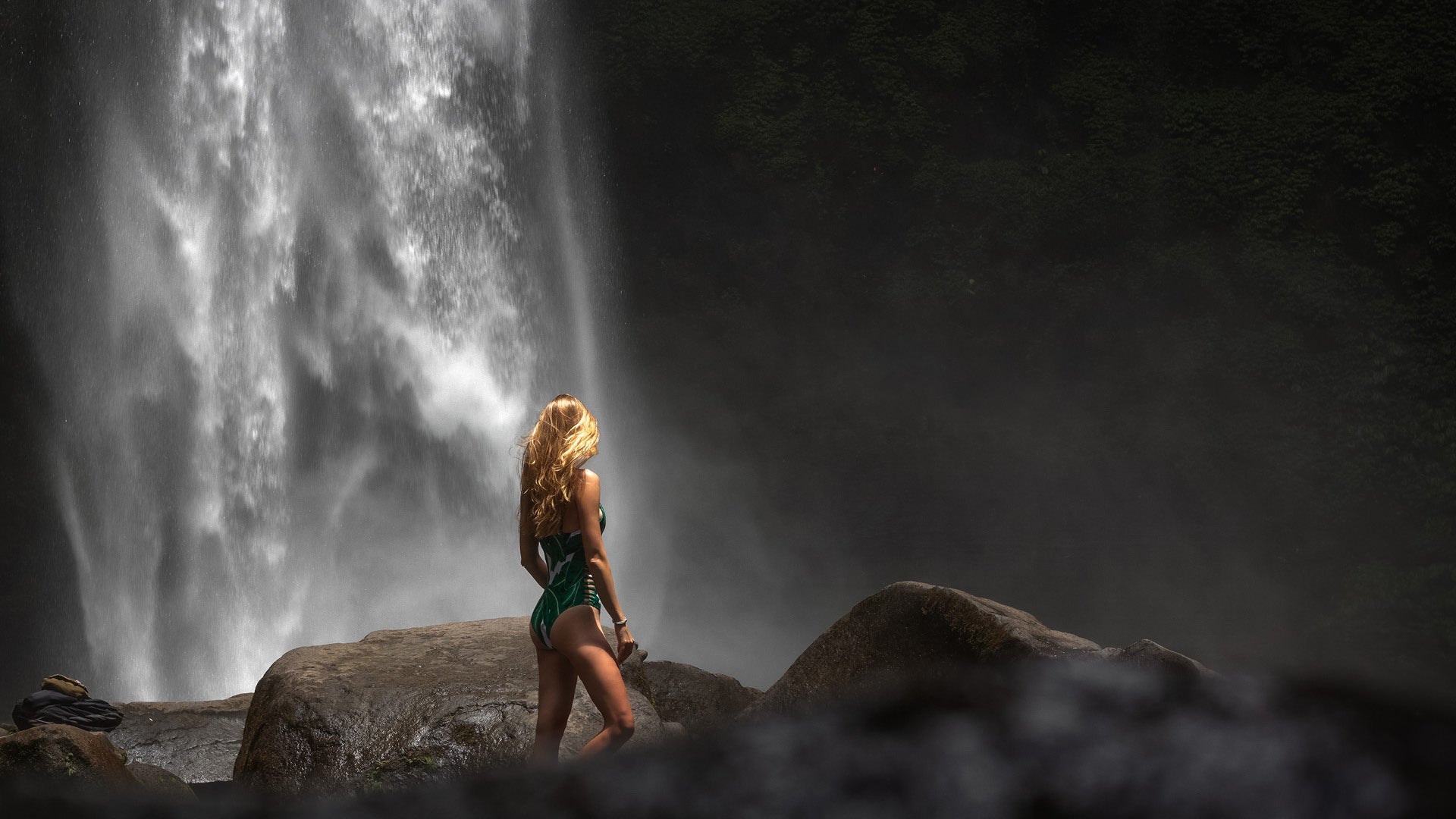
Free Lightroom Presets: Smart Way to Test or a Waste of Time?
Many photographers search for free Lightroom presets to try new looks without any risk. The idea is simple: download, test, decide. But in reality, “free” often comes with hidden downsides such as advertising, inconsistent results, or even security risks.
If you want to test Lightroom presets properly, the price is not what matters. What really counts is whether they work reliably, are safe to use, and actually save you time.

Why Many Free Lightroom Presets Disappoint
Most free Lightroom presets don’t fail because of their look, but because they don’t hold up in real editing workflows. They may look great on sample images, yet behave unpredictably on your own photos.
Common issues include unstable colors, unnatural skin tones, overly strong contrast, and very limited flexibility. As soon as you try to edit multiple images, consistent results become difficult or impossible.
The reason is simple:
Many free presets are not designed for real RAW workflows. They are visual effects for single images, not reliable tools for everyday editing.
Security Risks of Free Lightroom Presets
One topic that is rarely discussed is security. A large number of free presets come from anonymous download websites, poorly maintained ZIP files, or sources with no clear accountability.
This can involve risks such as manipulated files, malware, or unwanted additional software. Especially large “free preset bundles” should be treated with caution, as quality control and file safety are often unclear.

Before & After: Why the Difference Is Immediately Visible
The quality gap becomes obvious when comparing results.
A RAW image starts neutral, with full dynamic range and flexibility.
Applying a basic free preset often leads to harsh contrast, oversaturated colors, and very little room for fine adjustments.
High-quality presets work differently. They preserve natural colors, keep skin tones clean, and control contrast carefully. Most importantly, they remain flexible.
Good presets enhance an image — they don’t overpower it.


Quality Shows in Stability
A good Lightroom preset is defined by stability, not by intensity. It reacts consistently to exposure changes, works reliably across multiple images, and allows easy fine-tuning without breaking the look.
If a preset only looks good on one specific photo, it’s not a real editing tool.
Compatibility Matters: Desktop and Mobile Must Match
Many free presets only work on desktop or only on mobile. High-quality presets, on the other hand, are built for Lightroom and Lightroom Classic and optimized for both XMP (Desktop) and DNG (Mobile) formats.
This ensures one consistent look across all devices and workflows.

Designed for Fast, Reliable Photo Editing
Our Lightroom presets are built to make photo editing simpler, faster, and more consistent — without shortcuts or compromises.
They offer:
-
Premium Lightroom presets, crafted by experienced photographers
-
Effortless editing, with clean, well-balanced adjustments instead of extreme effects
-
Clear guidance and support, making them accessible even for beginners
-
Wide compatibility, working seamlessly with Lightroom, Photoshop, and Camera Raw
-
Instant access, so presets are ready to use as soon as you download them
The focus is not on flashy results, but on presets that integrate smoothly into real workflows and help photographers achieve reliable, professional-looking edits with minimal effort.
Conclusion
Free Lightroom presets are only useful when they are reliable, compatible, and safe. Quantity doesn’t matter. What matters is quality, stability, and trust.
If you want to test presets, do it in a way that actually helps you decide whether they improve your workflow — instead of slowing you down.

Share:
How to Achieve a Timeless Retro Look with Vintage Era Lightroom Presets
Norway Spirit Lightroom Presets: Capture the True Mood of Lofoten & Norway Travel